Video Production Blueprint
Heavy-duty directory framework designed for post-production facilities, camera card ingestion pipelines, motion graphics teams, and multi-stage master exports.
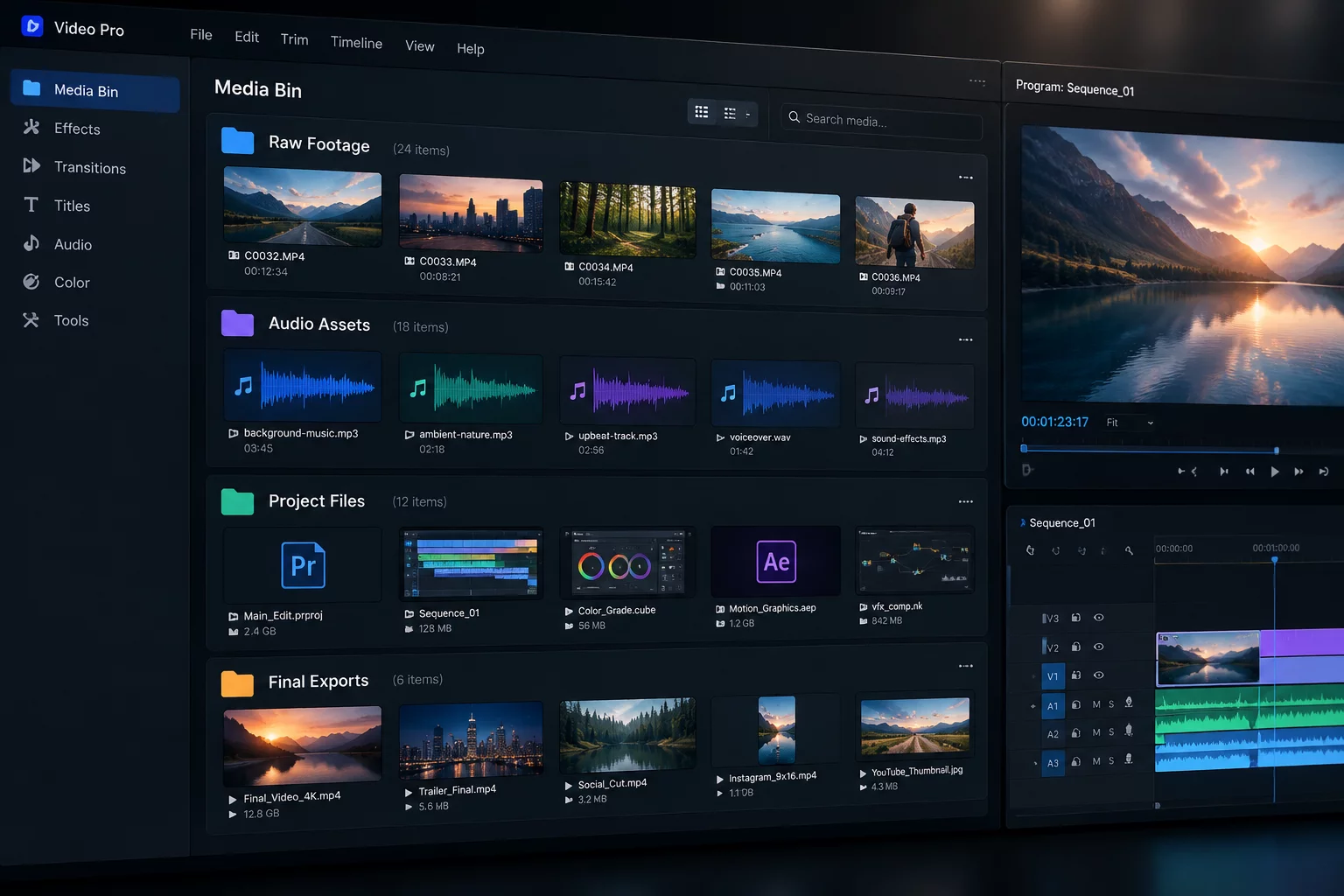
Ingestion Standards & Workspace Architecture
High-throughput media creation environments face constant storage clutter when camera operators, video editors, sound designers, and colorists rely on uncoordinated folder patterns. Adopting a standardized shared-folder structure prevents missing asset relinks across networked storage volumes and protects master sequences from accidental edits.
This specification segments production files into isolated numerical silos. Uncompressed raw footage remains strictly read-only, project save files stay centralized, and final exports are segregated into clear client review and delivery tiers.
Crucial Media Asset & Ingestion Rules
- Camera card dumps must preserve full volume directory trees without renaming raw video clips inside footage subfolders.
- Multitrack production sound, licensed music stems, and Foley sound effects require precise naming conventions indicating scene and sample rate tags.
- Render exports must follow sequential version identifiers such as v01, v02, RC, and MASTER accompanied by target resolution metadata.
Structural Directory Breakdown
Apply this root hierarchy directly to internal post-production storage pools, high-speed NVMe editing drives, and archival systems:
01_PROJECT_FILES/
├── 01_Premiere/
├── 02_DaVinci_Resolve/
└── 03_After_Effects/
02_FOOTAGE_RAW/
├── CAM_A/
├── CAM_B/
└── DRONE/
03_AUDIO/
├── Production_Sound/
├── Music_Licensed/
├── Voiceover/
└── SFX/
04_GRAPHICS_VFX/
├── Lower_Thirds/
├── Branding_Logos/
└── 3D_Renders/
05_DOCS_BRIEFS/
├── Storyboards/
└── Scripts_Transcripts/
06_EXPORTS/
├── Internal_WIP/
├── Client_Review/
└── Final_Master_Delivery/
Workflow & Implementation FAQ
How are multi-day field productions managed within this folder layout?
Multi-day shoots store footage inside date-formatted folders under the raw media tier, for example 2026-09-29_DAY01/CAM_A. This maintains complete clip verification hashes while ensuring clean chronological tracking.
Where should application cache files and scratch render disks be directed?
Scratch disks, peak files, and timeline render caches should always target a dedicated local cache directory outside the primary project tree to prevent excessive synchronization traffic on shared drives.
Operational Discussion & Peer Reviews
VERIFIED LOGNo operational logs recorded yet. Be the first to contribute feedback on this blueprint specification.
Contribute Workflow Feedback