[FIELDGUIDE // 2026]ORGANIZATIONAL STANDARDS, FOLDER ARCHITECTURE & WORKFLOW REGULATIONS VERIFIED STANDARDS
[00] / OPERATIONAL WORKFLOW STANDARDS STABLE EDITION • 2026

Every Project Needs a Structure People Understand

Make Every Project Folder Easier to Understand

Explore practical frameworks for folder naming, project structure, team responsibilities, working materials, and project handoffs.

Folder structure Team handoffs Project organization
SYSTEM METRICS
Structural Blueprints 13 Models
Curated Guides 13 Core Docs
Handoff Friction 0% Ambiguity
ROOT DIRECTORY ARCHITECTURE
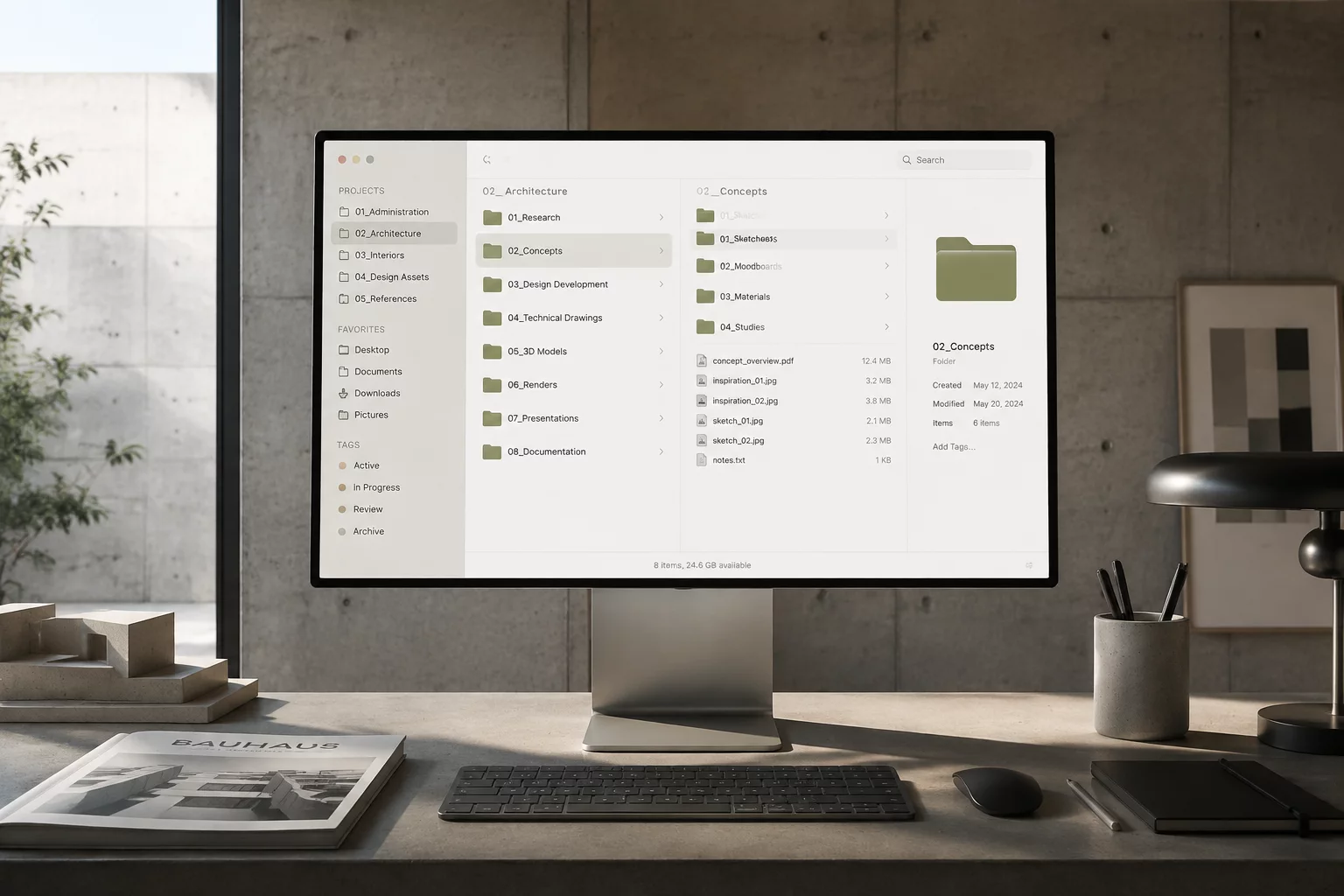
Structured digital directory and organized project folders interface
[01]

Strict Naming Protocols

Prevent confusing duplicates and obsolete revisions with deterministic date-stamped file naming protocols.

[02]

Separated Deliverables

Maintain clear boundaries between scratchpads, active drafts, and verified client-facing deliverables.

[03]

Seamless Handoffs

Ensure incoming contributors and external stakeholders instantly understand where critical assets live.

[01] / SITE ARCHITECTURE

Site Architecture

The fieldguide is organized into six core sections covering every stage of project folder work — from initial structure design to final handoff.

[03] / ENGAGEMENT BLUEPRINTS

Structured Work Formats for Every Operational Stage

Choose the exact level of architectural guidance your team requires to establish resilient file hierarchies, naming rules, and collaborative workspace protocols.

Diagnostic & Review 90 Minutes

Single Consultation

A concentrated, one-on-one audit of your current project folders, naming conventions, and access bottlenecks with immediate remedial recommendations.

Best Suited For:

Solo operators, studio leads, or small teams feeling initial friction in shared drives.

  • Live screen review of active folder structures
  • Immediate bottleneck diagnosis and naming fixes
  • Custom 3-page summary report with next steps
Complete Overhaul 3–6 Weeks

One-Off Project

A complete reorganization of your digital workspace: custom taxonomy design, directory migration roadmap, handoff documentation, and staff training.

Best Suited For:

Growing agencies, creative studios, and multi-team firms handling active client deliverables.

  • Full workspace inventory and file taxonomy map
  • Standardized folder templates & versioning rules
  • Interactive team onboarding workshop & guide
Continuous Governance Quarterly / Yearly

Ongoing Support

Periodic health checks, archiving stewardship, new hire workspace orientation, and continuous maintenance of folder hygiene across departments.

Best Suited For:

Established organizations, remote teams, and enterprise units requiring zero operational clutter.

  • Monthly folder hygiene scans and cleanup runs
  • Structured onboarding runs for new department hires
  • Quarterly deep-archive transitions and reports

Format Comparison Matrix

Detailed breakdown of deliverables and commitments per format.

Feature / Deliverable Single Consultation One-Off Project Ongoing Support
Core Objective Identify issues & outline rapid fixes Full rebuild of shared folder structure Maintain structure & long-term discipline
Delivery Timeline Single 90-min session + summary 3–6 weeks phased deployment Continuous recurring cycles
Custom Documentation 3-page actionable brief Full company workspace handbook Live updating directory manuals
Staff Onboarding Guidance for lead only Interactive team training workshop Continuous onboarding per hire
Archival Migration Self-serve recommendations Complete data categorization Scheduled quarterly cold-storage

Calculate Your Workspace Architecture Investment

Turn vague file management costs into an accurate estimate based on your team size, project volume, and regulatory requirements.

Parameters

ESTIMATED SETUP SPECIFICATION
Estimated Implementation:
$580
  • Annual Search Time Saved288 hrs
  • Recommended RegulationStandard Folder Blueprint
  • Implementation Timeline3 to 5 Days
[02] / MEASURABLE ADVANTAGES

Why Structured Workspaces Transform Daily Collaboration

Replacing arbitrary desktop clutter with predictable directory conventions produces tangible operational reliability across all departments.

01

Zero Time Lost Locating Assets

Eliminate persistent retrieval friction across active projects through an intuitive shared-folder structure that every contributor can navigate instinctively.

02

Accidental Overwrite Prevention

Isolate work-in-progress drafts from finalized client releases with strict staging conventions, preventing costly errors and broken production links.

03

Frictionless Teammate Onboarding

Equip new hires to become self-sufficient on day one by pairing uniform directory blueprints with clear, concise team documentation.

04

Seamless Inter-Team Handoffs

Maintain seamless context exchange between design, engineering, and management without endless status syncs or redundant explanations.

05

Audit-Ready Deliverable Integrity

Keep full historical lineage for every contract, presentation, and asset, ensuring effortless compliance and clean archive preservation.

06

Controlled Storage Footprint

Eliminate multi-gigabyte duplicates and orphaned exports through disciplined lifecycle folders that keep shared drives clean and cost-efficient.

[03] / CLEAR SCOPE BOUNDARIES

Deliverables vs Exclusions

Establish definitive workflow borders prior to project initiation to eliminate structural ambiguity, protect production cycles, and align cross-functional teams.

Strictly Included

Standard Package Scope

  • Standardized Tree Architecture

    Standard root, work-in-progress, and final asset directory generation following core naming rules for shared projects.

  • Explicit Naming Protocols

    Standard semantic naming schemes with date tags, project IDs, and non-breaking file designations.

  • Archive & Handoff Readiness

    Standard checklist and structured handoff package setup for post-launch transfer to client or archive storage.

  • Client-Facing Mirror Layout

    Isolated clean delivery directories decoupled from messy internal working files and draft iterations.

Explicitly Excluded

Out of Standard Scope

  • Automated Server Migration

    Bulk file migration across private enterprise servers or custom cloud sync setup without standard blueprints.

  • Third-Party Software Integration

    Direct custom scripting or software API pipeline construction outside manual operating guidelines.

  • Historical File Renaming Backlog

    Restructuring unorganized legacy archives older than the current project boundary scope.

  • Continuous Access Management

    Ongoing day-to-day team user permission administration once the baseline folder hierarchy is handed over.

REQUIRE CUSTOM STRUCTURAL SCOPE?

Explore our specialized industry configurations and operational blueprints for team workspaces.

[02] / CURATED KNOWLEDGE

Essential Guides & Project Frameworks

Explore tested methods for project folder organization and structured team storage. Learn how adopting strict naming conventions keeps files discoverable, preventing data loss across collaborative teams.

GUIDE 2026-07-20
Emily Davis

Archiving Old Project Data

Systematic approaches to migrating finished work into secure cold storage without breaking deep file references or losing historical project context.

BLUEPRINT $65
4.8 / 5.0

Video Production Blueprint

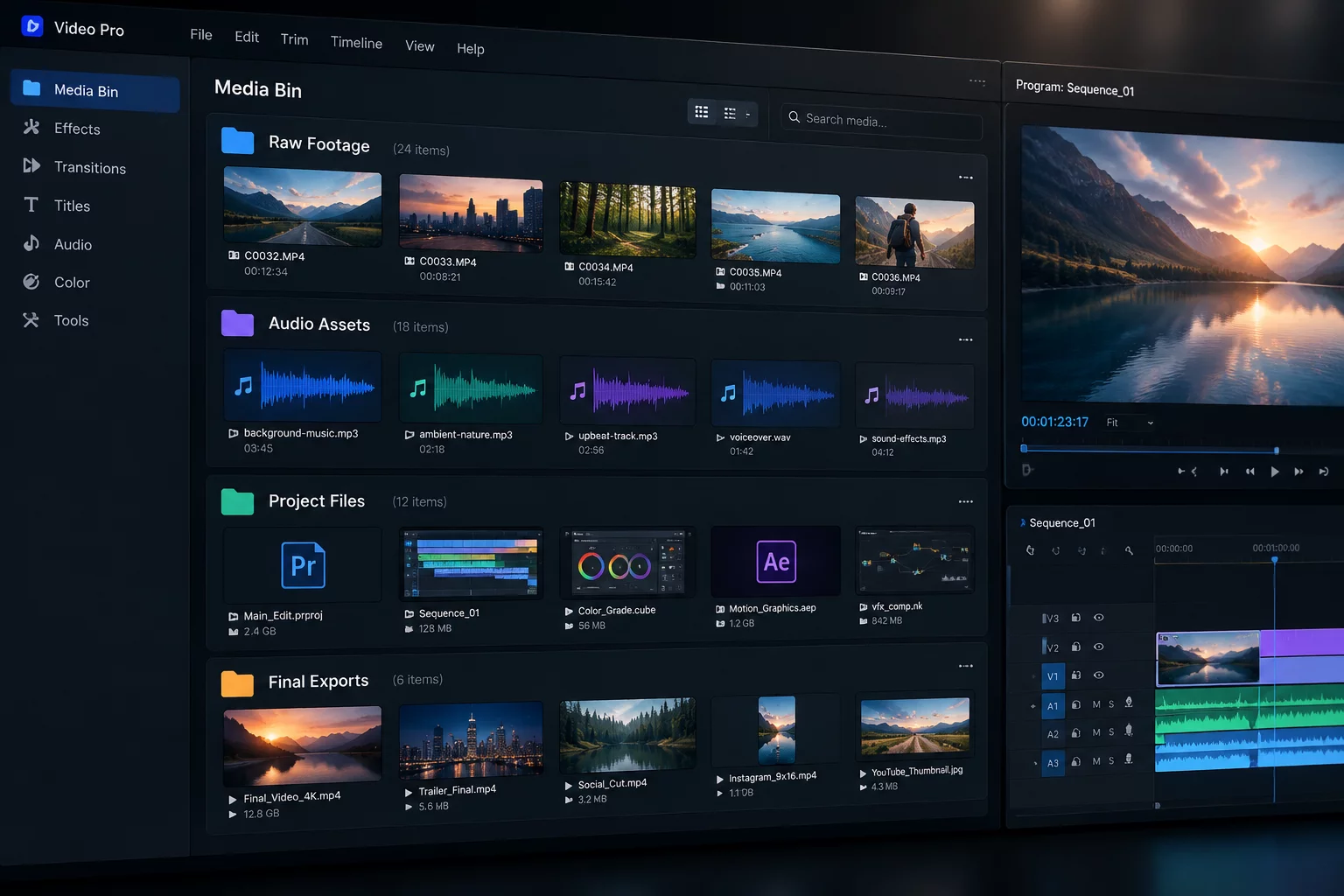
Production-ready folder architecture separating high-bitrate raw camera footage, audio stems, project timelines, and master exports cleanly.

Looking for complete organizational systems?

Browse our full library of standard operating procedures, file trees, and guides.

EXPLORE ALL GUIDES
[00] / TRUSTED ECOSYSTEM

Adopted by Structured Teams Across Leading Organizations

ARCHIVEMETRICStudio Core
GRIDVECTORSAsset Lab
FLOWSYNTAXOperations
NODESECURELegal Ops
BRANCHFIELDDev Systems
POLYDOCSProduction