Onboarding New Team Members to Folders
Introduce recruits to repository structures systematically with explicit folder maps, permission boundaries, and frictionless file conventions.
The Critical First 48 Hours of Directory Orientation
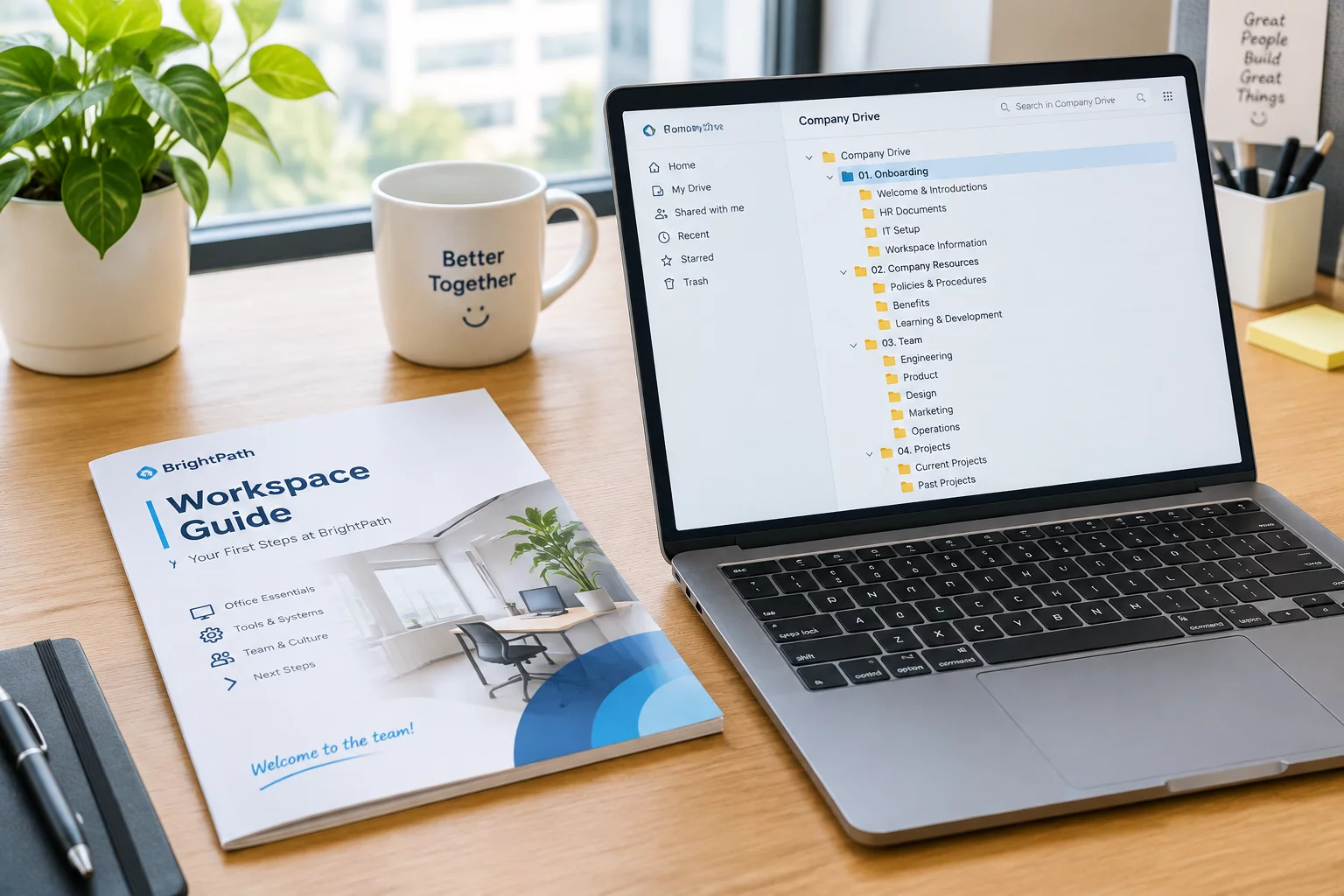
When a new collaborator joins an organization, project folder organization determines how quickly they turn operational. Dropping a recruit into a multi-gigabyte shared drive without a roadmap forces them to guess where drafts belong, frequently resulting in overwritten master files and duplicated assets. Effective team documentation provides new team members with an immediate visual schema of the root structure, clearly separating read-only archives, active sandboxes, and finalized deliverable directories.
A systematic orientation process eliminates digital anxiety. Instead of relying on tribal knowledge transmitted through chat messages, team leads should furnish an interactive directory index that outlines naming taxonomies, write access scopes, and version handoff checkpoints before the recruit opens their first creative or technical file.
Core Principles for New Joiner Directory Induction
- Provide a dedicated _Sandbox folder for initial drafts and experimental working files before granting write access to production roots.
- Embed a standardized README_DIRECTORY.txt file in every top-level category defining folder ownership and file lifecycle rules.
- Mandate ISO 8601 date prefixes (YYYY-MM-DD) and strict kebab-case slugs for all contributor uploads across shared volumes.
Recommended Onboarding Directory Hierarchy
Structuring shared workspaces with a standardized onboarding layer ensures recruits navigate familiar pathways without disrupting production files. The following schema illustrates an onboarding-ready project tree:
PROJECT_ROOT/
├── 00_ONBOARDING/
│   ├── 01_Directory_Map.pdf
│   ├── 02_Naming_Conventions_Cheatsheet.md
│   └── 03_Access_Credentials_Policy.txt
├── 01_SANDBOX_EXPERIMENTS/
│   └── [USER_ID]_WIP_DRAFTS/
├── 02_SHARED_WORKING_FILES/
│   ├── Raw_Assets/
│   └── Source_Templates/
├── 03_FINAL_DELIVERABLES/
│   └── Release_Packages_v1.0/
└── 99_ARCHIVE/
    └── Legacy_Records/
Frequently Asked Questions
How do we prevent new team members from accidentally modifying client deliverables?
Assign tiered permission groups in your cloud storage or network share. New collaborators receive Read-Only rights to production and archive repositories while maintaining Write access exclusively inside active collaboration and sandbox folders during their initial onboarding sprint.
What is the most common folder mistake made by newly onboarded personnel?
Saving local duplicate copies with informal descriptors such as 'final_v2_edit.psd' directly in the root directory. This is solved by introducing automated naming validation checklists and mandatory root README files during their first-day briefing.
Operational Discussion & Peer Reviews
VERIFIED LOGNo comments yet. Be the first to leave a peer review.
Contribute Workflow Feedback