Marketing Campaign Blueprint
A modular shared-folder structure engineered for omni-channel campaigns, paid media funnels, performance analytics, and rapid creative asset deployment.
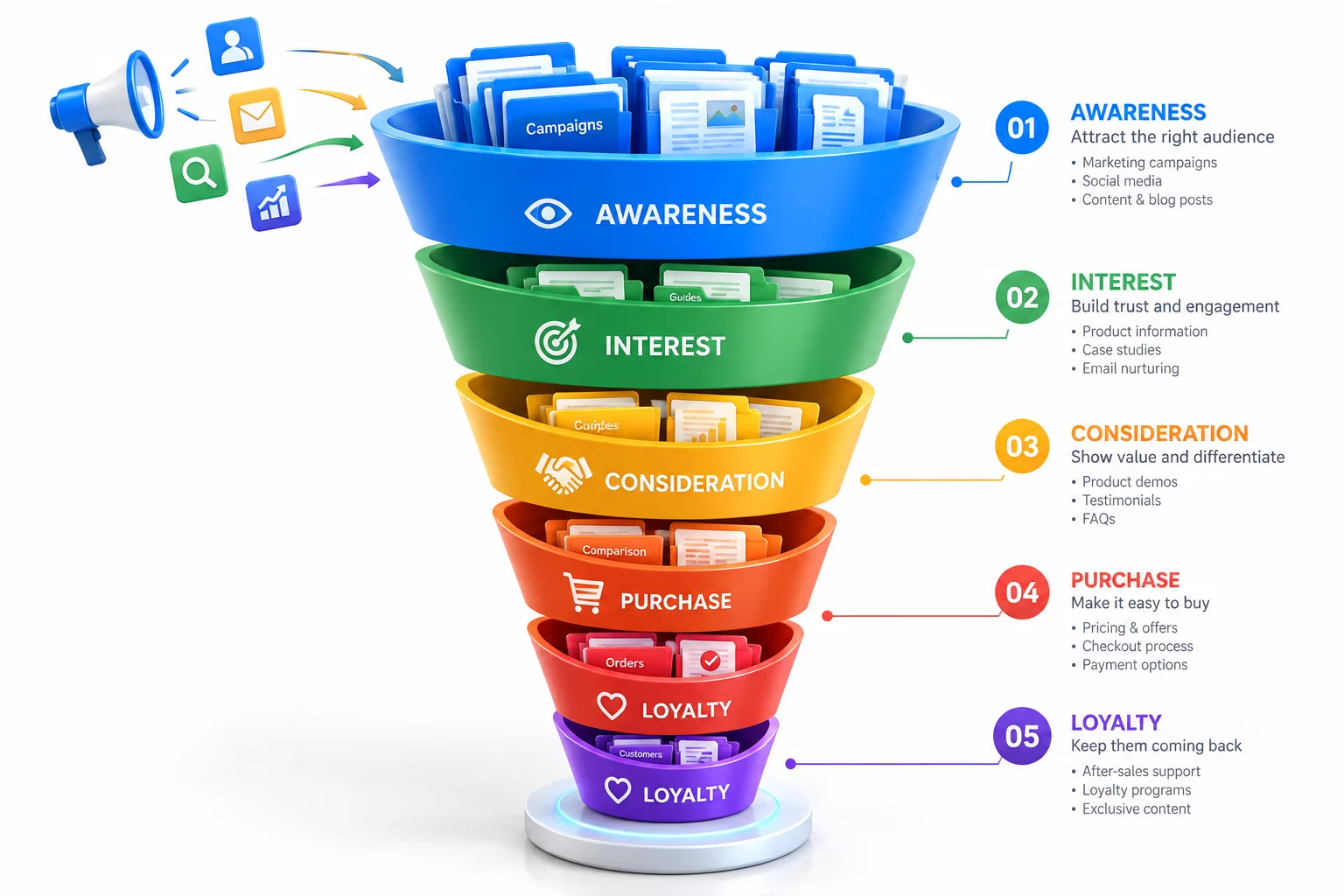
Campaign Asset Pipeline & Workspace Architecture
Managing omni-channel growth initiatives demands coordination across copywriters, media buyers, motion designers, and marketing analysts. Without a defined shared-folder structure, ad creatives get lost across chats, draft copy variants accidentally go live on ad networks, and attribution data becomes impossible to audit during post-campaign analysis.
The Marketing Campaign Blueprint establishes a systematic hierarchy organized specifically for multi-channel velocity. Every stage is strictly segregated—from strategy briefs and raw visual assets to platform-ready export packages and post-campaign analytical reports—guaranteeing smooth handoffs and preventing version mismatches during intensive campaign sprints.
Core Governance & File Naming Conventions
- Standardized naming conventions: prefix channel tags, target dimensions, and approved iteration numbers (e.g., META_STORY_1080x1920_V02.mp4).
- Sprint-based timeline numbering: encapsulate quarterly initiatives in ISO-formatted directories (YYYY-MM_Campaign-Name) to isolate active files from historical runs.
- Controlled delivery distribution: restrict publishing platforms to the 04_Deliverables_Final silo while keeping strategy briefs and project sources read-only for contractors.
Standard Campaign Directory Tree
Deploy this standard directory hierarchy across your cloud storage or local server to maintain immediate visibility across every active marketing initiative:
CAMPAIGN_2026_Q3_PRODUCT-LAUNCH/
├── 01_Strategy_Briefs/
│   ├── Campaign-Brief_Approved.pdf
│   ├── Audience-Personas_v2.docx
│   └── Budget_MediaPlan_2026-Q3.xlsx
├── 02_Raw-Assets_Copy/
│   ├── Copywriting/
│   │   ├── Ad-Copy_Search-Meta.docx
│   │   └── Email-Sequences_Nurture.md
│   └── Visual-Raw/
│       ├── Photography_Shoot-01/
│       └── Vector-Logos_Brand-Kit/
├── 03_Working-Projects/
│   ├── AfterEffects_Motion/
│   ├── Figma_Ad-Variants/
│   └── Premiere_Cutdowns/
├── 04_Deliverables_Final/
│   ├── Meta_Instagram-Facebook/
│   │   ├── 1080x1080_Feed/
│   │   └── 1080x1920_Stories-Reels/
│   ├── Google_Performance-Max/
│   ├── TikTok_Paid/
│   └── Email_HTML-Assets/
└── 05_Analytics_Post-Mortem/
    ├── Attribution_Data-Dumps/
    └── Final_Campaign_ROI_Report.pdf
Implementation & Workflow Inquiries
How does this blueprint facilitate rapid creative testing and variant tracking?
The framework isolates editable work files inside 03_Working-Projects from approved batch exports in 04_Deliverables_Final. Each channel directory sub-categorizes assets by aspect ratio and variant hook, ensuring media buyers can upload entire directories directly without sorting through working drafts.
Can this folder specification connect with project management software?
Yes. The numbered top-level folders align with stage gates in tools such as Asana, ClickUp, and Linear. Campaign managers can directly link specific sub-folder URLs to individual sprint tickets to eliminate file search friction.
Operational Discussion & Peer Reviews
VERIFIED LOGNo operational feedback logged yet. Be the first to contribute practical observations for this blueprint.
Contribute Workflow Feedback