Standard Folder Blueprint
A systematic foundational tree architecture designed to eliminate workspace friction, organize active deliverables, and establish rock-solid naming conventions across cross-functional teams.
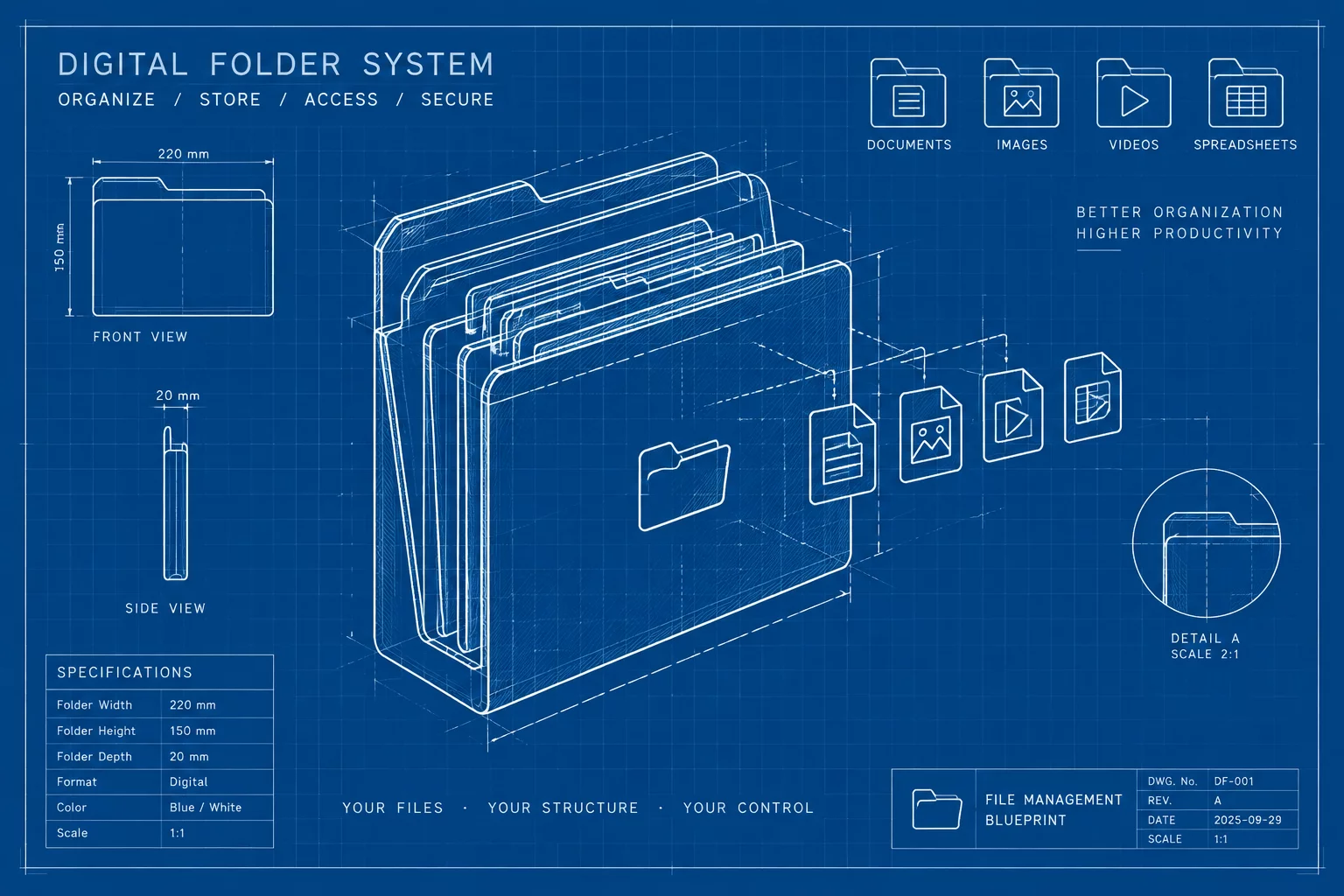
Standardized Directory Architecture & Team Principles
Digital projects easily fall into chaos when files scatter across personal desktops, loose cloud links, and temporary messaging channels. The Standard Folder Blueprint establishes an unambiguous shared-folder structure that keeps incoming briefs, active working drafts, final customer assets, and historical records cleanly isolated from one another.
By applying strict numerical prefix ordering (00 through 05) at the root level, operating systems sort your directories in strict operational sequence rather than erratic alphabetical layouts. Team members locate crucial deliverables in seconds, while automated backup routines traverse organized trees with zero path conflicts or redundant duplicate files.
Core Naming Conventions & Storage Regulations
- Prefix all root folders with two-digit index numbers to enforce logical project lifecycle order.
- Apply strict date-first formats (YYYY-MM-DD) and standardized naming conventions for milestone versions.
- Never place loose unclassified documents in root containers; route raw items directly to staging directories.
Structural Hierarchy Implementation
Below is the canonical tree distribution supplied with this specification package. Every tier is built to maintain clean permissions, simplify client handoffs, and ensure audit readiness across cross-functional workflows.
PROJECT_ROOT/
├── 00_Admin_and_Briefs/
│   ├── Contracts/
│   ├── Invoices/
│   └── Scope_Documentation/
├── 01_Research_and_Inputs/
│   ├── Benchmarks/
│   ├── Client_Raw_Assets/
│   └── References/
├── 02_Work_in_Progress/
│   ├── Drafts_Internal/
│   ├── Review_Copies/
│   └── Worksheets/
├── 03_Deliverables_Final/
│   ├── PDF_Exports/
│   ├── Production_Packages/
│   └── Web_Ready/
├── 04_Vendor_and_Partner/
│   ├── External_Briefs/
│   └── Third_Party_Assets/
└── 05_Archive_Historical/
    ├── Deprecated_Drafts/
    └── Milestone_Snapshots/
Frequently Asked Operational Questions
How does this standard prevent duplicate or overwritten files?
By separating internal work in progress (02_Work_in_Progress) from locked final exports (03_Deliverables_Final), team members never edit live assets directly or accidentally overwrite production files.
Can we adapt this directory structure for different cloud platforms?
Yes. The taxonomy uses universal ASCII naming conventions without forbidden special characters, making it 100% compatible with Google Drive, OneDrive, Dropbox, Nextcloud, and local NAS storage systems.
Operational Discussion & Peer Reviews
VERIFIED LOGNo operational comments yet. Be the first to submit a peer review for this blueprint.
Contribute Workflow Feedback