Managing Client Facing Folders
Establishing clean external staging boundaries, permission segregations, and structured handoff directories that protect internal agency scratchpads while keeping client assets crystal clear.
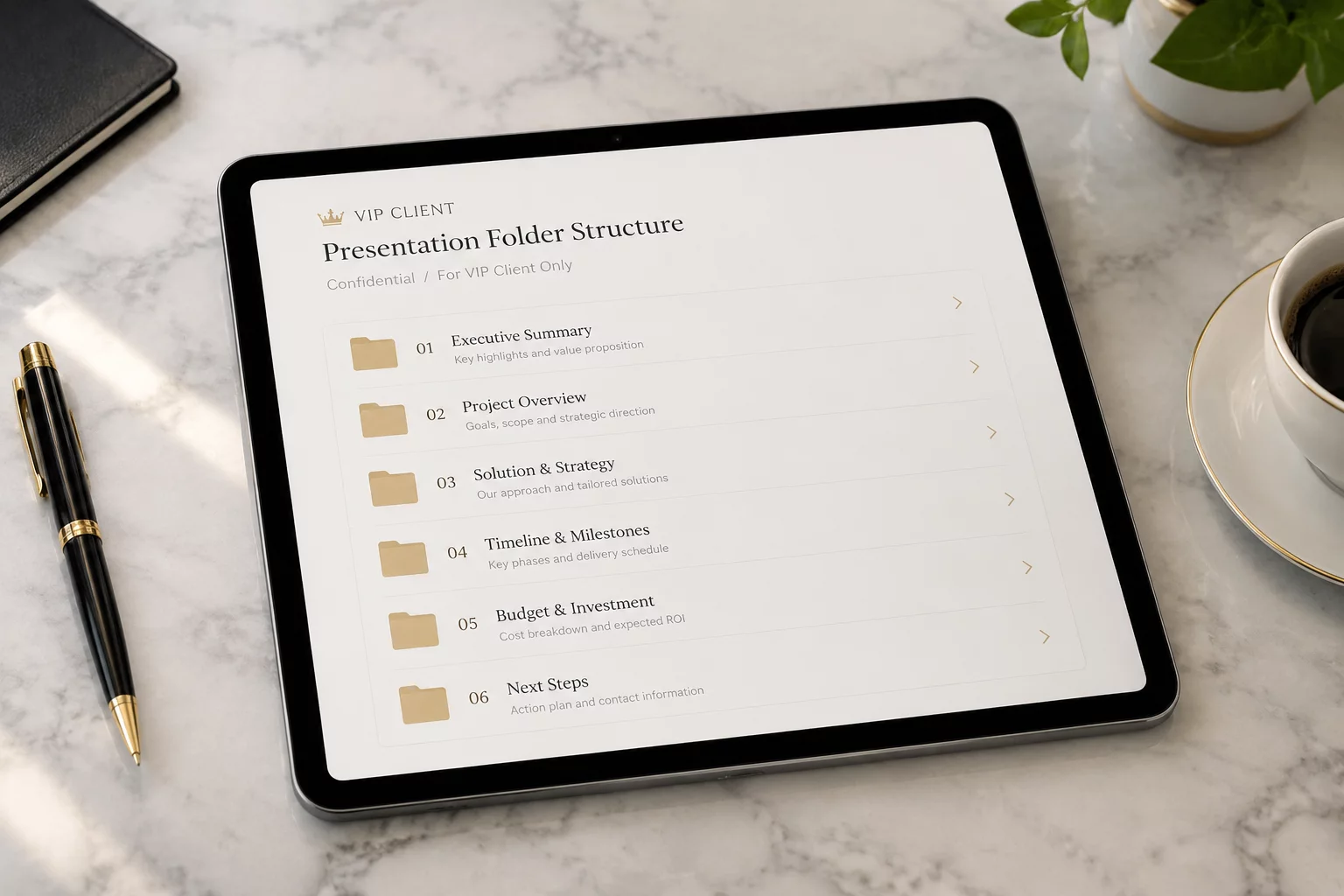
Establishing Pristine Boundaries Between Production and Client Access
External partners and clients require swift, friction-free access to milestone files without encountering messy internal drafts or private cost spreadsheets. In effective project folder organization, client-facing folders act as a curated showroom. When internal teams work directly inside shared client directories, accidental overwrites and premature stakeholder panic over raw drafts happen constantly. The solution begins with strict perimeter division.
By separating the internal production workspace from the published client deliverable zone, your team documentation remains authoritative while external reviewers receive intuitive, self-explanatory directories. Each asset published to an external folder must follow verified naming conventions, eliminating vague descriptors like 'final_v2_updated' and replacing them with date-stamped, status-explicit nomenclature.
Core Operational Directives for Shared Client Portals
- Segregate permissions strictly: grant external stakeholders Read-Only access to deliverables and Write access exclusively to an isolated Incoming Assets folder.
- Enforce ISO date prefixes (YYYY-MM-DD) on every client export to maintain immediate chronological clarity without relying on platform metadata.
- Deploy an onboarding text guide (00_README.txt) in the directory root outlining folder purposes, feedback schedules, and handoff protocols.
Standardized Client-Facing Directory Layout
The following tree demonstrates a production-tested hierarchy designed specifically for client portals, balancing simplicity for executives with meticulous version control for technical stakeholders.
[CLIENT_HUB] AcmeCorp_BrandRefresh_2026/
│
├── 00_START_HERE/
│   ├── 2026-07-15_AcmeCorp_ProjectRoadmap.pdf
│   └── README_Portal_Guidelines.txt
│
├── 01_CLIENT_UPLOADS/                  [PERMISSIONS: Read/Write]
│   ├── Raw_Brand_Assets/
│   └── Compliance_Documents/
│
├── 02_REVIEW_MILESTONES/                [PERMISSIONS: Read/Comment]
│   ├── Milestone_01_Discovery/
│   └── Milestone_02_Concepts/
│       ├── 2026-08-10_VisualIdentity_Draft_v02.pdf
│       └── Feedback_Template.docx
│
├── 03_APPROVED_DELIVERABLES/            [PERMISSIONS: Read-Only]
│   ├── Print_Ready/
│   ├── Digital_Web_RGB/
│   └── Vector_Source_Packages/
│
└── 04_MEETING_RECORDS/
    ├── 2026-07-18_Kickoff_Notes.pdf
    └── 2026-08-01_DesignSprint_Summary.pdf
Client Folder Management FAQ
Should clients be allowed to edit files directly inside shared cloud folders?
No. Direct editing in core deliverable directories regularly causes broken links, misplaced files, and lost revisions. Keep deliverable areas strictly read-only and restrict client write privileges to a designated 'Client Uploads' intake folder.
How do we prevent clients from accessing older, outdated design drafts?
Maintain an internal '_Archive' subfolder inside your team's workspace, while simultaneously moving older drafts in the client portal into a clearly designated 'Past Milestones' folder. Never leave old drafts mixed with current review files.
Operational Discussion & Peer Reviews
VERIFIED LOGNo operational comments recorded yet. Be the first to share your field experience with this folder model.
Contribute Workflow Feedback