Event Planning Blueprint
A battle-tested folder architecture and naming conventions specification designed for event producers, coordinators, and corporate experiential teams.
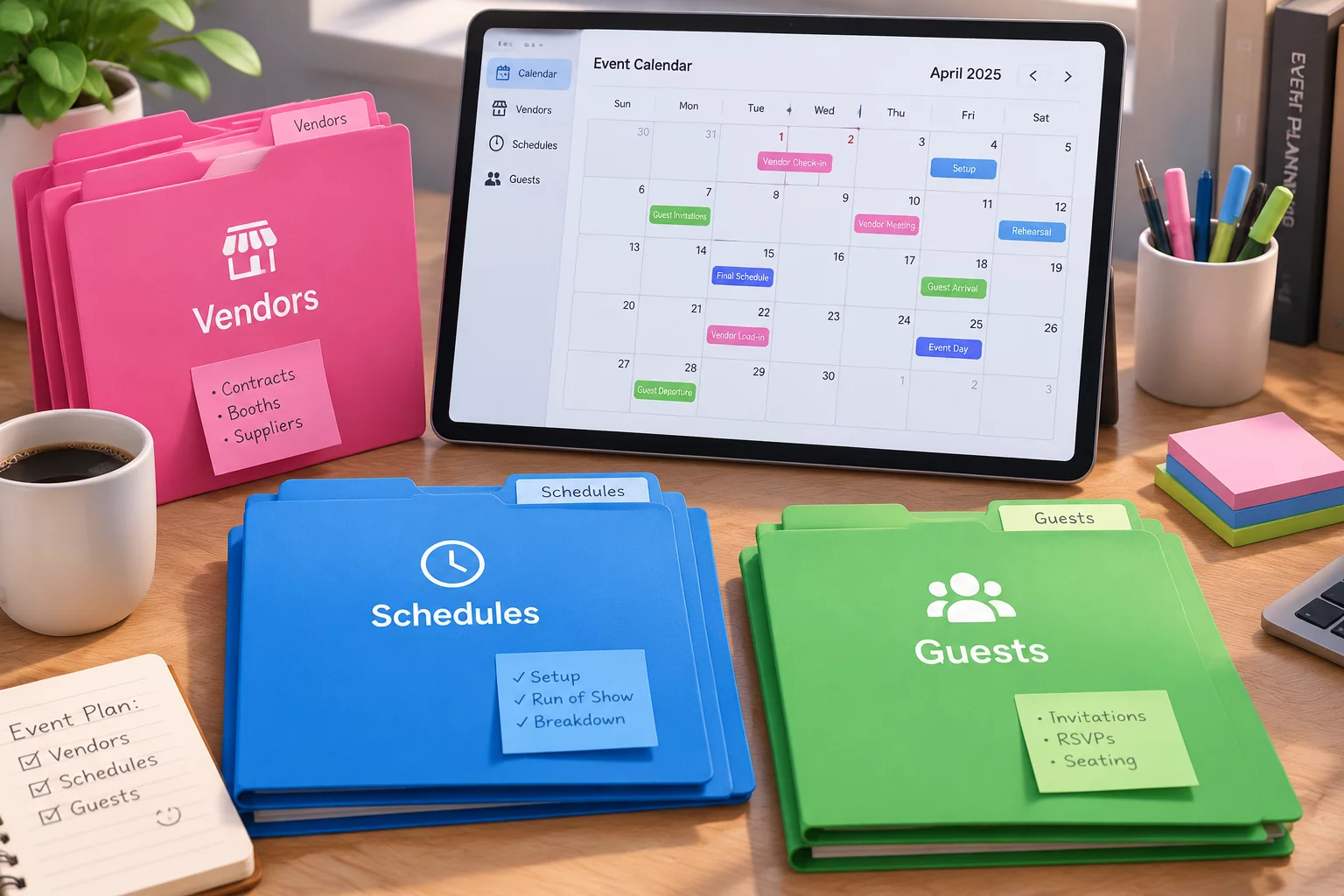
Systematic Logistics and Production Structure
Event production brings together dozens of external partners, high-stress delivery schedules, and massive volumes of changing collateral. Without an enforced shared-folder structure, teams quickly lose track of current floor plans, signed contracts, insurance riders, and run-of-show spreadsheets. This blueprint isolates volatile logistical components into clearly numbered partitions that scale smoothly from single-day corporate seminars to multi-stage outdoor summits.
By applying strict naming conventions across all supplier files and stage decks, production crews eliminate confusion during live event execution. Every technician, stage manager, and venue coordinator accesses the same verified data points, reducing communication lag and preventing costly on-site setup errors.
Core Conventions for Event Project Directories
- Rule 01: Date-prefixed run-of-show schedules and timeline revisions (e.g., 2026-10-15_ROS_MainStage_v03.pdf) to eliminate outdated staging cues.
- Rule 02: Dedicated vendor subdirectories partitioned strictly by discipline (Catering, AV-Production, Venue, Security, Permitting).
- Rule 03: Separate attendee and VIP rosters in isolated, access-restricted folders ensuring data protection and privacy compliance.
Production-Ready Directory Hierarchy
The directory hierarchy below represents the complete tree structure included in the deployable package. It maintains clear separation between pre-production administrative documentation, on-site live execution resources, and post-event financial closeout files.
EVENT_ROOT_2026-NAME/
├── 00_Admin_and_Permits/
│   ├── Contracts_Executed/
│   ├── Municipal_Permits_Insurance/
│   └── Budget_and_Invoices/
├── 01_Venue_and_Floorplans/
│   ├── CAD_Floorplans_Approved/
│   ├── Site_Photos_and_Measurements/
│   └── Load-in_Dock_Schedules/
├── 02_Vendors_and_Partners/
│   ├── 01_AV_Lighting_Staging/
│   ├── 02_Catering_and_Hospitality/
│   ├── 03_Fabrication_and_Signage/
│   └── 04_Security_and_Medical/
├── 03_Program_and_Talent/
│   ├── Keynote_Decks_Final/
│   ├── Speaker_Bios_and_Headshots/
│   └── Run_of_Show_Scripts/
├── 04_Marketing_and_Signage/
│   ├── Badges_and_Lanyards_Print/
│   ├── Screen_Graphics_16x9/
│   └── Directional_Signage_Final/
├── 05_Live_Execution_Briefings/
│   ├── Staff_Contact_Sheet.pdf
│   ├── Daily_Dispatch_Schedule.pdf
│   └── Emergency_Protocol_Map.pdf
└── 06_Post_Event_Wrap/
    ├── HighRes_Photo_Archive/
    ├── Attendee_Survey_Exports/
    └── Final_Reconciliation_Ledger/
Frequently Asked Blueprint Questions
How does this shared-folder structure handle on-site last-minute changes?
The blueprint includes an isolated '05_Live_Execution_Briefings' folder configured for local offline sync on mobile devices and stage tablets, guaranteeing instant access to emergency sheets and updated cue lines without network dependence.
Can this folder structure scale for multi-day festivals or large expos?
Yes, the modular numbered taxonomy lets teams nest multi-track stages and satellite vendor directories without breaking root naming conventions or permissions logic.
Operational Discussion & Peer Reviews
VERIFIED LOGNo comments yet. Be the first to leave a comment.
Contribute Workflow Feedback